

Your phone is no longer just a way to call or message someone. Features such as location sharing, Emergency SOS, Medical ID, safety check-ins and government alerts can make it an important personal safety tool. Setting them up before you need them takes only a few minutes and can help friends, family and emergency responders get the right information faster when something goes wrong.
Set Up Your Emergency Contacts First
One of the simplest safety steps is choosing who should be contacted if you cannot reach them yourself. Both iPhone and Android allow you to save emergency contacts that can be accessed or notified during certain emergency situations. On an iPhone, these contacts can receive a message and your location after Emergency SOS is used. On supported Android devices, emergency contacts can also be used for Emergency Sharing and Safety Check features. Choose people you trust, make sure their numbers are current and tell them that you have listed them as emergency contacts.
Your Medical Information Can Be Available Without Unlocking Your Phone
This is one of the most useful phone safety features to set up and one that is easy to overlook. Apple's Medical ID can display important information such as allergies, medical conditions, medication and emergency contacts from the lock screen without requiring your passcode. That means paramedics and other first responders may be able to access information that could be relevant to your care even if you are unable to speak for yourself. To make this possible, Medical ID needs to be set to show while the phone is locked. In supported regions, certain medical information can also be shared electronically with emergency services during an emergency call.
Android Has Emergency Medical Information Too
Medical information is not limited to iPhone users. On supported Android devices, the Personal Safety features allow users to add information such as blood type, allergies and medication, as well as emergency contacts. This information can be made accessible from the lock screen so that someone helping you does not necessarily need to unlock your phone first. Exact features vary by Android version, manufacturer, country and carrier, so it is worth opening the Safety & emergency settings on your own device and checking what is available.
Learn How Emergency SOS Works Before You Need It
In a stressful situation, you do not want to be figuring out your phone's emergency controls for the first time. On an iPhone, Emergency SOS can quickly call local emergency services and, depending on your settings, notify your emergency contacts and share your location. Supported Android phones also offer Emergency SOS, which can start actions such as calling an emergency number, sharing your location and notifying selected contacts. Spend a moment checking how the shortcut works on your particular phone, but avoid testing it by actually placing an unnecessary emergency call.
Use Check-Ins When You Are Travelling Alone
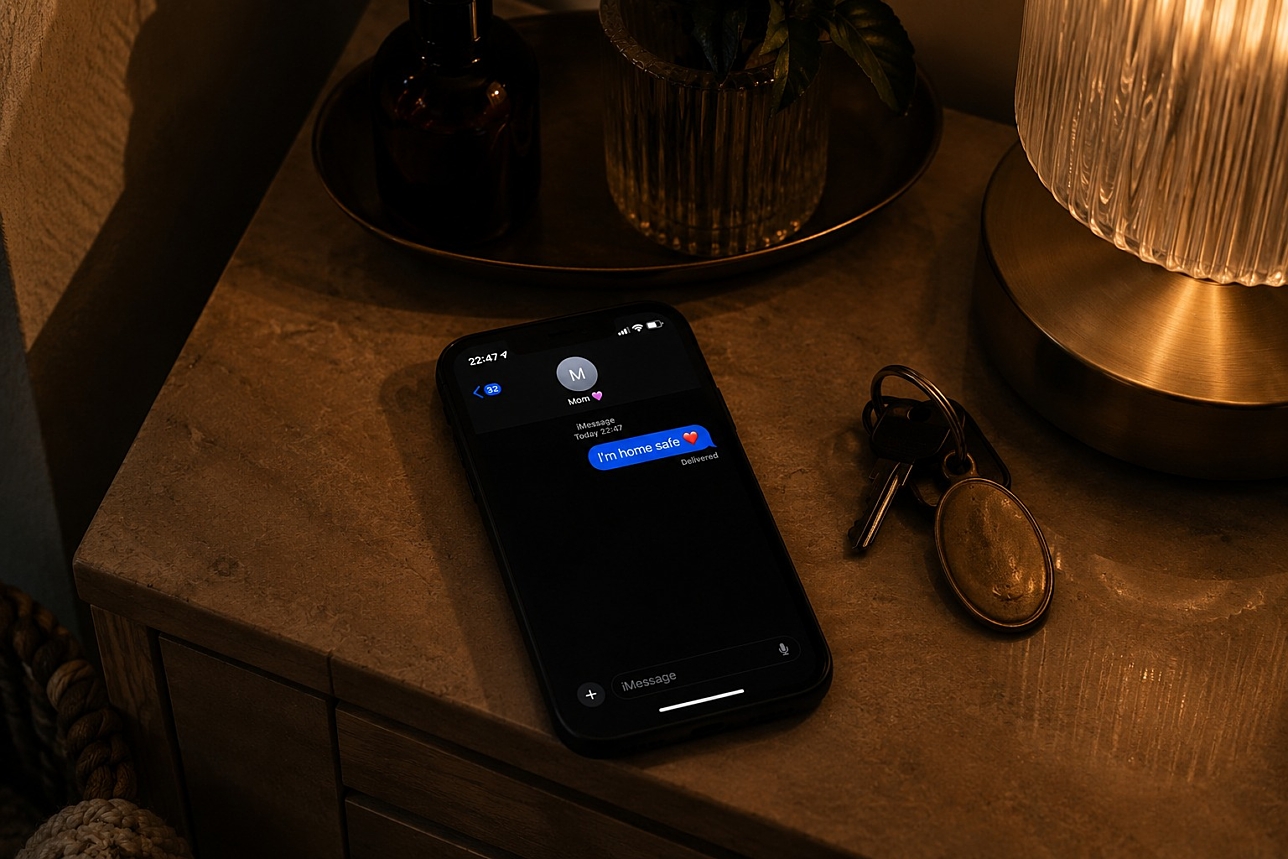
The familiar message "text me when you get home" now has a more automated version. On supported iPhones, Check In in Messages can let a trusted contact know when you have arrived, while Android's Safety Check can ask you to confirm that you are safe after a chosen period. These tools can be useful when walking home late, cycling alone, meeting someone new or travelling somewhere unfamiliar, without requiring someone to track your location permanently.
Share Your Location Temporarily, Not Necessarily All Day
Real-time location sharing can be useful, but it does not have to mean giving someone permanent access to where you are. If you are walking through an unfamiliar neighbourhood, taking a taxi late at night or cycling home alone, sharing your live location for the duration of the journey can give someone you trust an extra point of reference. When the journey is over, you can stop sharing. Temporary location sharing gives you the practical benefit of being easier to find while maintaining more control over your privacy.
Government Emergency Alerts Can Reach Your Phone Automatically
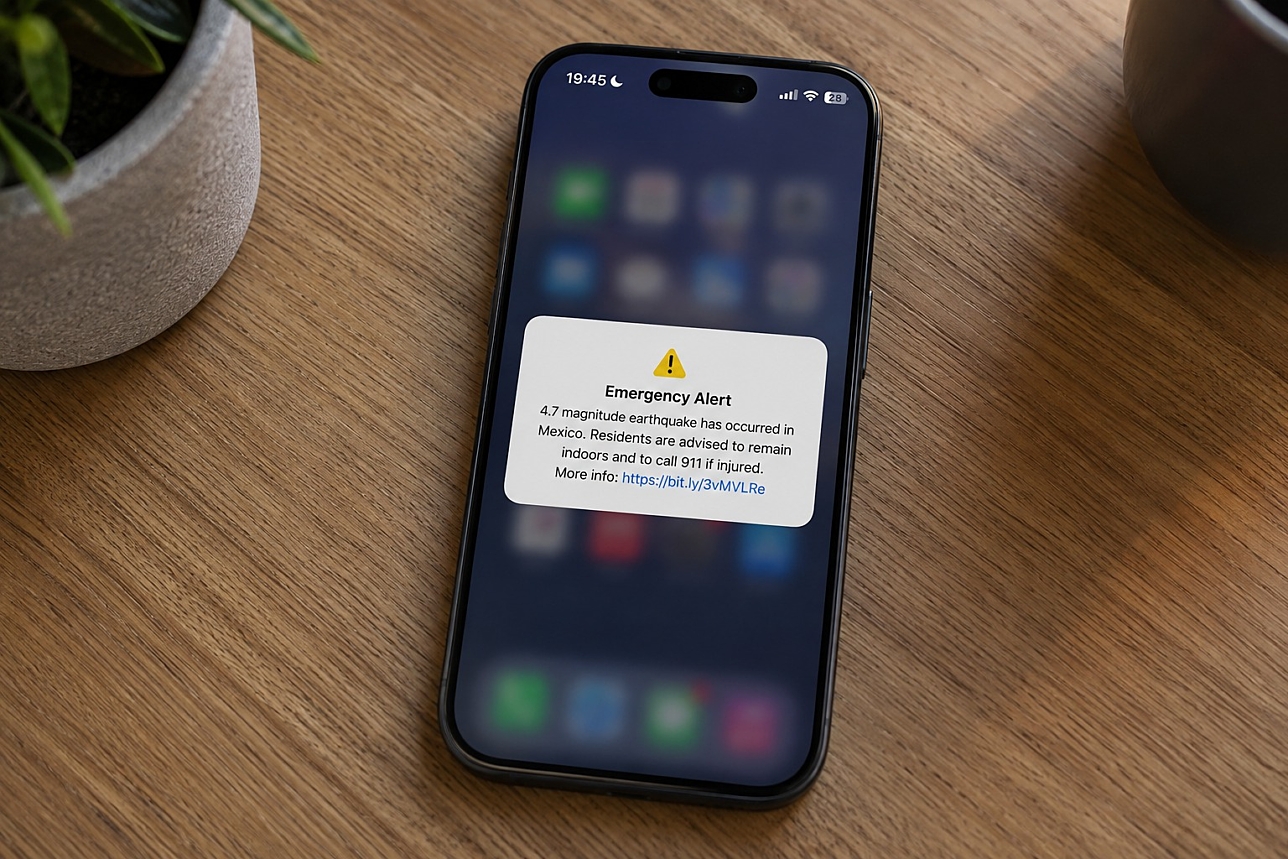
Phones can also warn you about dangers that have nothing to do with an individual emergency. Many countries operate public warning systems that send urgent alerts directly to compatible phones in affected areas. Depending on where you are, these may include warnings about severe weather, wildfires, flooding, earthquakes, missing children or other threats to public safety. The Netherlands uses NL-Alert, while other countries operate their own systems using technologies such as cell broadcast or wireless emergency alerts. On iPhone and Android, available government-alert settings vary by country and region, so it is worth checking which emergency notifications are enabled on your device.
Keep Emergency Alerts Switched On When Travelling
Public warning systems are particularly worth remembering when you travel. The alert system you receive abroad may be completely different from the one you know at home, and some warnings may appear in the local language. Rather than automatically disabling unfamiliar emergency notifications, check what government or public-safety alerts are available on your device in that destination. Android can also provide crisis alerts and, in supported regions, earthquake warnings. Because availability varies considerably between countries, networks and devices, your phone's own emergency settings are the best place to see which services are active.
Your Phone May Be Able To Help Even Without Normal Mobile Coverage
Emergency technology is increasingly extending beyond ordinary cellular networks. Supported iPhone models can use Emergency SOS via satellite in certain countries and regions when neither mobile service nor Wi-Fi is available. This is designed for genuine emergencies when you cannot otherwise reach emergency services. Availability depends on the device and location, so travellers heading somewhere remote should check beforehand whether their phone supports satellite emergency services in the country they are visiting.
Keep Your Phone Charged And Connected
Many safety features become more useful when your phone still has power and a working connection. Location sharing, safety check-ins, messages and updates to emergency contacts may require mobile data or Wi-Fi. If you use a prepaid phone, keeping enough mobile credit available can therefore be an important part of staying prepared. It helps ensure that you can reach your emergency contacts when you need them and that they can stay in touch with you. With Mitti, mobile credit can be sent directly to supported prepaid numbers in countries around the world, making it easy to help yourself, a friend or a family member stay connected and reachable.
Safety Apps Can Add Another Layer Of Reassurance
Built-in phone features should be the first place to start, but dedicated safety apps can add useful tools for certain situations. Location-sharing services can help trusted contacts follow a journey, while some personal safety apps offer timed check-ins or emergency-sharing options. Before relying on any app, check whether its emergency functions actually operate in your country, what happens if you lose mobile coverage and who receives your location or personal information. A safety app should complement local emergency services, not replace them.
The most useful safety feature is often the one you configured long before you needed it. Adding emergency contacts, completing your Medical ID or emergency information, learning the SOS shortcut and checking that public safety alerts are enabled can all be done in a few minutes. Your phone cannot prevent every emergency, but it can help you call for assistance, share where you are and give first responders valuable information when every minute matters.